Key Takeaways
- The average company uses 5-7 separate communication and collaboration tools, creating fragmentation and context-switching costs.
- Built-in collaboration tools within business platforms outperform standalone apps by keeping context connected to work.
- Video conferencing, messaging, and file sharing should exist in the same system as your projects and tasks.
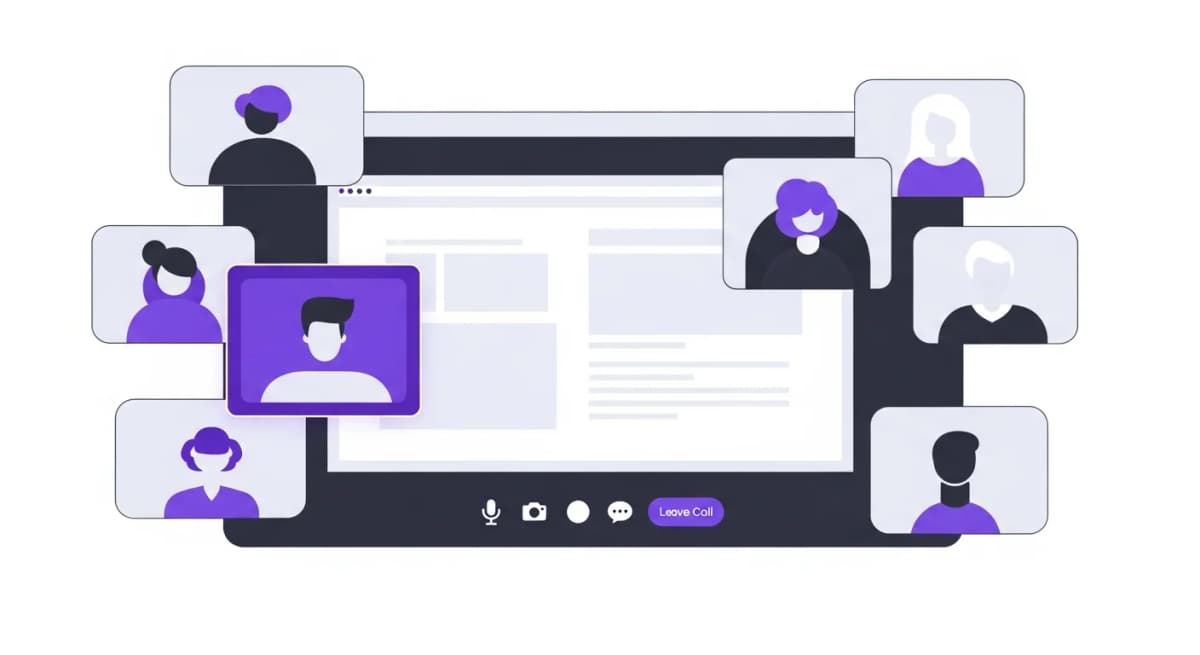
- Alexia.ai's Team Connect provides built-in video, chat, and collaboration - no Zoom, Slack, or Teams subscriptions needed.
The Collaboration Tool Overload Problem
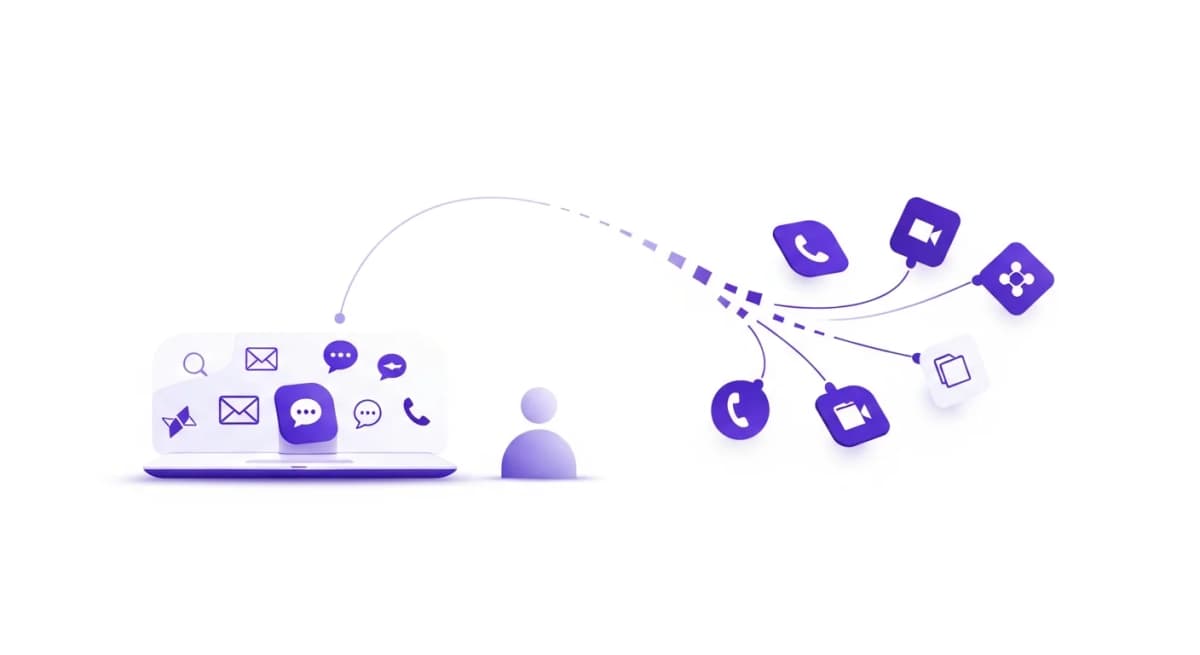
The average knowledge worker switches between 5-7 different apps every hour. Slack for messaging, Zoom for meetings, Google Drive for documents, Asana for tasks, email for formal communication. Each context switch costs 23 minutes of refocusing time.
In 2026, the best collaboration isn't about having the most powerful standalone tool - it's about reducing the number of tools while maintaining or improving communication quality. The companies winning the productivity race are consolidating their tech stacks, not expanding them.
What Makes a Great Collaboration Tool
The best team collaboration tools share three qualities. First, they reduce context switching by keeping conversations connected to the work they're about. Second, they support multiple communication modes - async messaging, real-time chat, video calls, and document collaboration - in one place.
Third, and most overlooked, they integrate with your operational tools. When your collaboration platform knows about your projects, goals, and HR data, conversations become more productive because context is always present.
Search and discoverability are equally important. Every conversation, decision, and file should be findable. The best platforms use AI to surface relevant past discussions when you need them.
Top Collaboration Tools Compared
Alexia.ai Team Connect is the only collaboration tool built directly into an AI-powered operating platform. Video calls, messaging, channels, and file sharing - all connected to your HR data, recruitment pipeline, and business operations. No separate subscription, no integration maintenance.
Slack remains the dominant standalone messaging platform with excellent integrations and a mature ecosystem. However, it requires separate tools for video (Zoom/Google Meet), HR, and project management - adding cost and fragmentation.
Microsoft Teams bundles communication with Office 365, making it attractive for Microsoft-centric organisations. Google Workspace offers similar bundling for Google-first teams. Both are strong but neither includes HR or recruitment functionality.
Built-In vs Bolt-On Collaboration
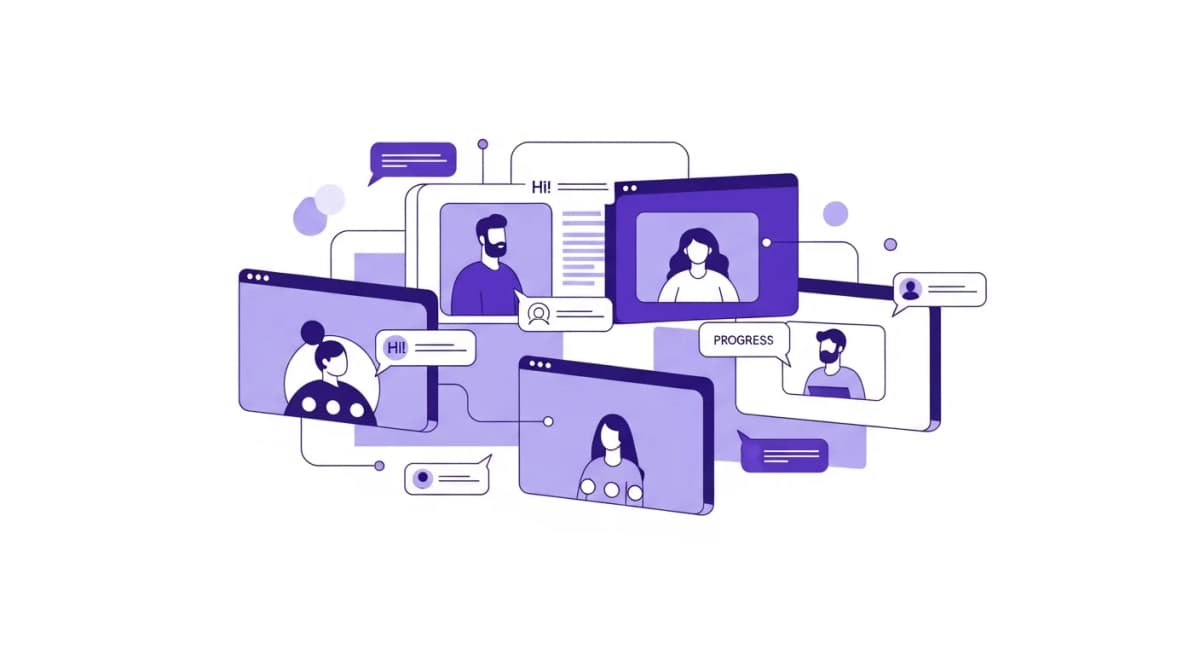
There's a fundamental difference between collaboration tools that are built into your business platform versus those bolted on through integrations. Built-in tools share the same data layer, authentication, and user interface. Information flows naturally without API connections or sync delays.
When you discuss a candidate in Alexia.ai's Team Connect, the conversation is automatically linked to their recruitment profile. When you mention a team goal, everyone in the channel can see real-time progress. This contextual awareness is impossible with standalone tools.
Bolt-on integrations, by contrast, require constant maintenance. They break when APIs change, create duplicate notifications, and force users to maintain profiles across multiple systems.
Stop reading about AI reporting. Start using it.
See how Alexia.ai automates the exact workflows covered in this article.
The Cost of Fragmented Communication
Most companies underestimate what fragmented collaboration costs them. A typical mid-sized company spends $150-300 per employee per year on communication tools alone - Slack, Zoom, and Google Workspace or Microsoft 365. That's before counting the productivity cost of context switching.
Research shows that the average employee loses 2-3 hours per day to unnecessary meetings, tool switching, and information searching across disconnected platforms. Over a year, that's equivalent to 60+ working days per employee.
Consolidating into a unified platform like Alexia.ai doesn't just save subscription costs - it recovers productive time by eliminating the friction between communication and work.
Choosing the Right Approach for Your Team
If your team is already deeply embedded in a specific ecosystem (Microsoft or Google), leveraging those built-in collaboration features makes sense as a starting point. But recognise that you'll still need separate tools for HR, recruitment, and AI-powered operations.
For teams building their stack from scratch or reconsidering their tooling, a unified platform approach offers the best long-term value. Alexia.ai's combination of Team Connect, HRIS, ATS, and AI eliminates the need for 4-5 separate subscriptions.
The key question isn't "which chat tool is best?" - it's "how can we reduce the number of places our team needs to go to get work done?" The answer increasingly points toward integrated platforms over best-of-breed stacks.

About the Author
Simon Jones
Co-Founder, Teamified
Simon is the Co-Founder of Teamified, where he helps businesses scale by connecting them with high-performing global talent. His expertise lies in optimising remote team management, ensuring companies can hire, manage, and pay contractors seamlessly across 150+ countries. With over two decades of experience in FinTech, SaaS, and outsourcing, Simon has co-founded multiple successful ventures, including Assembly Payments and Lazu. His deep understanding of technology, payments, and operational efficiency enables him to support businesses in building high-performing outsourced teams while driving cost efficiencies. Since launching Teamified, Simon has been a trusted partner for companies looking to expand their onshore operations with a smarter, faster, and more strategic approach to outsourcing.
Connect on LinkedInTry Alexia.ai Team Connect Free
Built-in video, chat, and collaboration - no separate tools needed.