
Key Takeaways
- Workflow automation eliminates manual handoffs, data entry, and repetitive tasks that slow operations down
- The best workflow tools combine rule-based automation with AI intelligence for handling exceptions
- Start by automating your highest-volume, lowest-complexity workflows for immediate ROI
- AI-enhanced workflow tools can handle unstructured tasks like report generation and data analysis
What Is Workflow Automation?
Workflow automation is the process of using technology to perform tasks and move information between systems without manual intervention. Instead of a person copying data from one tool to another, sending status update emails, or manually triggering the next step in a process, automation handles it.
For operations teams, workflow automation means fewer manual handoffs, fewer errors, and more time for strategic work. It's the difference between your team spending Monday morning on admin and spending it on improvement.
Types of Workflow Automation
Rule-based automation - "When X happens, do Y." These are simple, predictable automations like sending a notification when a task is completed or updating a spreadsheet when a deal closes. Tools: Zapier, Make, Power Automate.
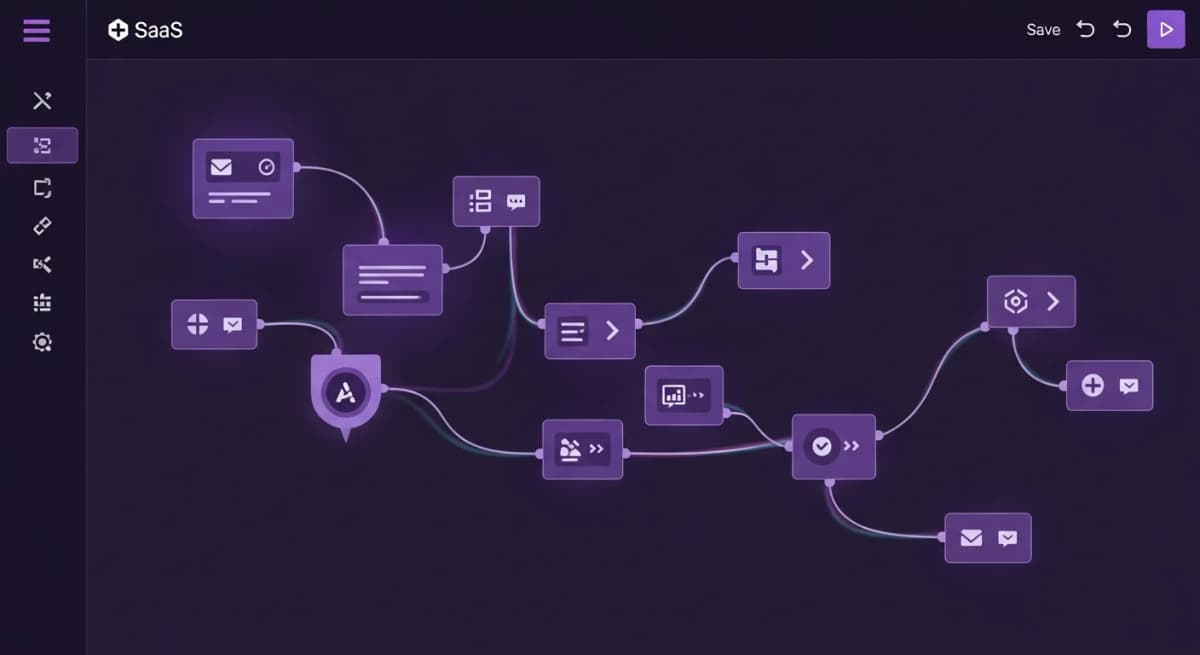
Process automation - Automating multi-step business processes with branching logic, approvals, and conditional paths. Tools: Monday.com, Asana, Process Street.
AI-powered automation - Using artificial intelligence to handle tasks that require judgement, analysis, or natural language understanding. This includes generating reports, analysing data, and making recommendations. Tools: Alexia.ai, advanced AI platforms.
Robotic Process Automation (RPA) - Automating screen-based interactions with legacy systems that lack APIs. Tools: UiPath, Automation Anywhere.
High-Value Workflows to Automate First
Not all workflows are equal candidates for automation. Start with workflows that are:
High volume - Workflows that happen daily or weekly give you the biggest time savings.
Low complexity - Simple workflows automate more reliably and build confidence in the approach.
Cross-platform - Workflows that involve copying data between systems are error-prone manually and perfect for automation.
Common high-value workflows for operations teams:
- Daily/weekly KPI reporting across departments - New client onboarding data setup - Invoice processing and financial reconciliation - Project status reporting and escalation - Lead routing and assignment
The Rise of AI in Workflow Automation
Traditional workflow automation handles structured, predictable tasks well. But many operational workflows involve unstructured work: analysing data, writing summaries, making judgement calls.
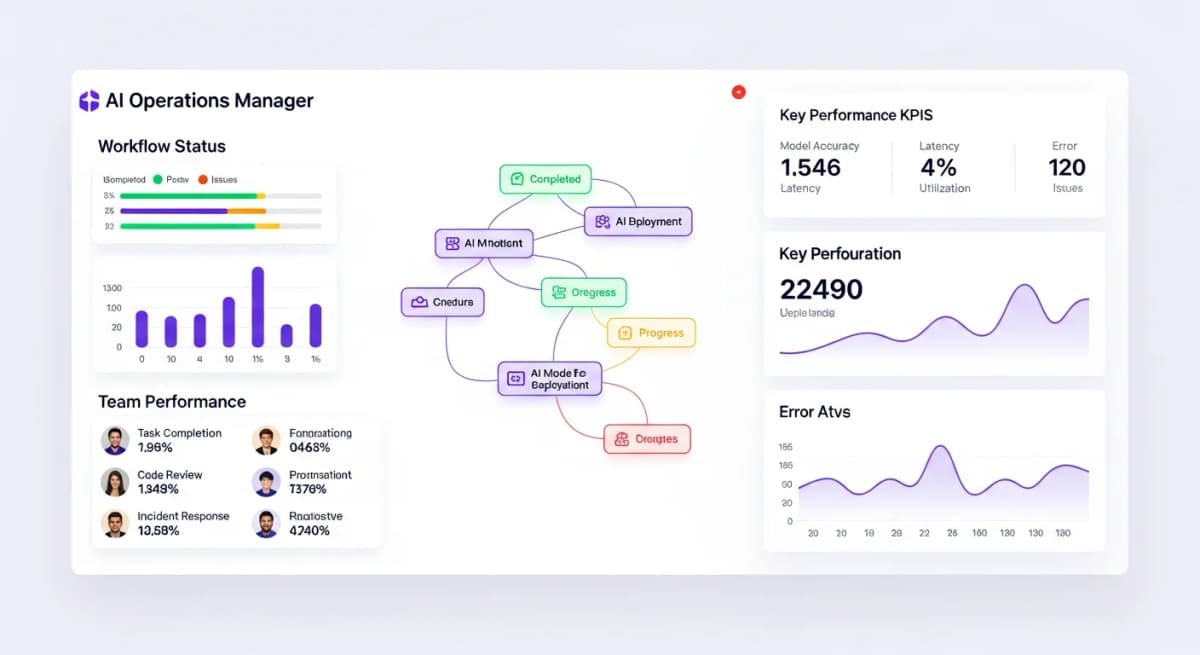
AI-powered workflow tools bridge this gap. Instead of just moving data from A to B, they can:
- Generate a written report from raw data across multiple platforms - Identify which metrics are trending positively or negatively - Recommend actions based on data analysis - Handle natural language requests ("Give me a summary of last week's operations")
This evolution transforms workflow automation from a time-saver into a decision-support system.
Stop reading about AI reporting. Start using it.
See how Alexia.ai automates the exact workflows covered in this article.
Measuring Workflow Automation ROI
To measure the return on your workflow automation investment, track these metrics:
Time saved - How many hours per week does the team save? Multiply by the average hourly cost to get a dollar figure.
Error reduction - How many manual errors were eliminated? Track rework and correction time.
Speed improvement - How much faster do processes complete end-to-end? Faster processes mean faster revenue.
Employee satisfaction - Teams that spend less time on admin consistently report higher job satisfaction and lower turnover.
Most operations teams see positive ROI within the first week of implementing workflow automation.
Building Your Automation Stack
The ideal workflow automation stack for operations teams combines:
1. An AI reporting platform (like Alexia.ai) for cross-functional data analysis and insights 2. A workflow connector (like Zapier) for simple task-to-task automations 3. A project management tool with built-in automation for team coordination
Alexia.ai serves as the intelligence layer - connecting to all your business tools and providing the insights and reports that drive operational decisions. The other tools handle the tactical automations.

About the Author
Simon Jones
Co-Founder, Teamified
Simon Jones is the co-founder and CTO of Teamified, bringing decades of experience in technology, system architecture, and business transformation. He oversees the technical direction of Alexia.ai, ensuring the platform delivers enterprise-grade automation and intelligence.
Connect on LinkedInAutomate your workflows with AI
Get started free and see how Alexia.ai automates operational reporting and insights.