

Key Takeaways
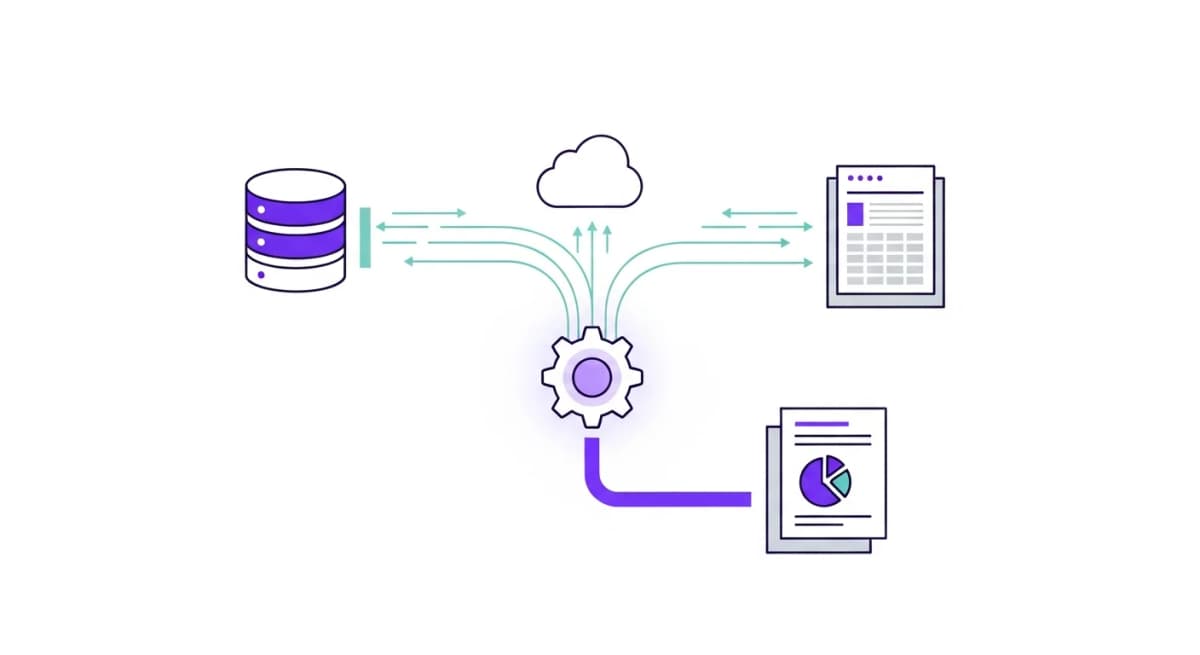
- Slow reporting is caused by data silos, manual exports, and fragmented tools - not lack of effort
- Every hour spent on manual reporting is an hour not spent on strategy and decision-making
- AI-powered reporting eliminates bottlenecks by pulling data from all sources simultaneously
- Companies that automate reporting make decisions 5x faster than those relying on manual processes
The Reporting Time Trap
You sit down to create a weekly performance report. It should be straightforward. But an hour later, you're still at it - switching between tabs, exporting CSVs, reformatting charts, and chasing teammates for their numbers.
This is the reporting time trap, and it affects nearly every business. Studies show that knowledge workers spend up to 40% of their time gathering and formatting information rather than acting on it. For a team of five, that's two full-time employees worth of productive hours lost to data collection.
The Five Reasons Reporting Takes So Long
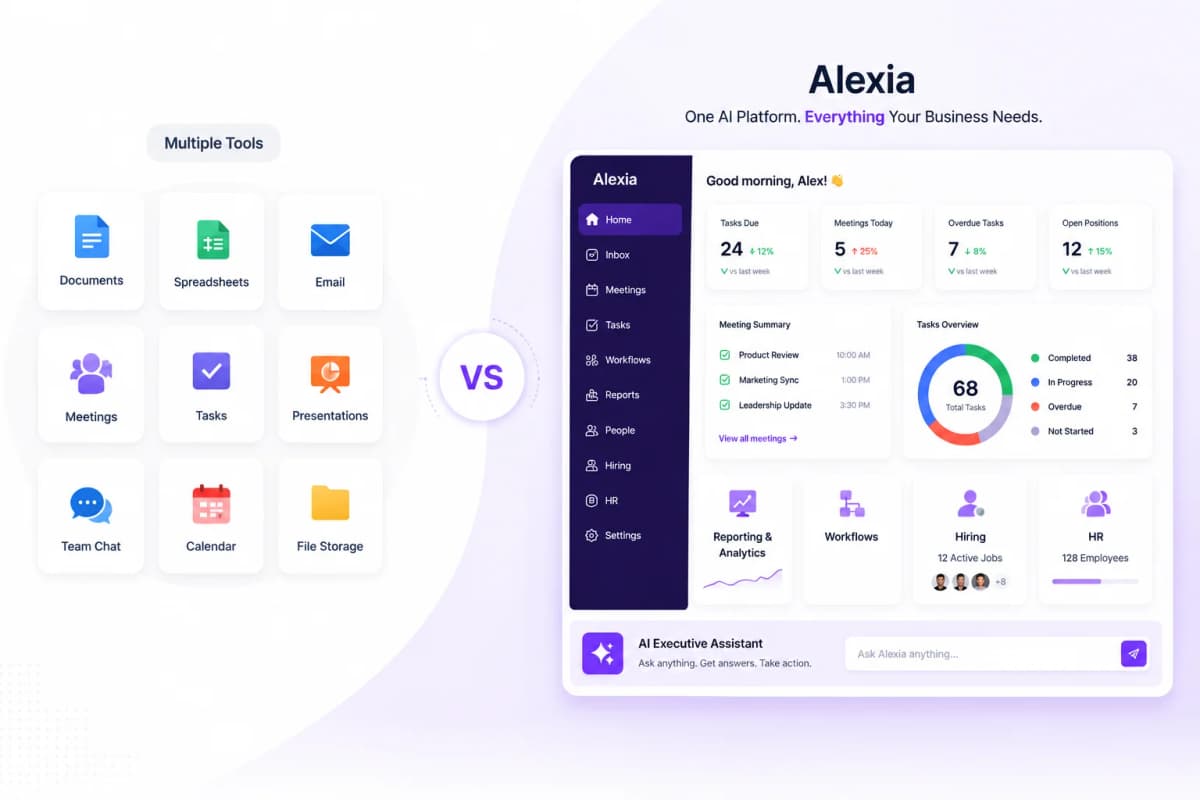
1. Data lives in too many places. Your marketing data is in Google Analytics, your sales data is in HubSpot, your financial data is in Xero, and your team updates are in Slack. Getting a complete picture means logging into each one separately.
2. Manual export and formatting. Even after you find the data, you need to export it, clean it, format it, and assemble it into something presentable. This alone can take an hour or more.
3. Context switching kills focus. Every time you switch between platforms, your brain loses context. Research shows it takes 23 minutes to fully refocus after a context switch. If you're toggling between six tools, you've lost an hour just to distraction.
4. No single source of truth. Different team members use different tools, export at different times, and define metrics differently. Reconciling these inconsistencies adds even more time.
5. Reports are built for consumption, not creation. Most reporting tools are designed for the reader, not the person assembling the report. The creation process is an afterthought.
How AI Fixes the Reporting Bottleneck
AI reporting tools like Alexia.ai address each of these problems:
- Unified data access: Connect all your tools once, then query everything from a single interface. - Instant generation: No exports, no formatting. Ask for a report and get it in seconds. - Zero context switching: Everything happens in one conversation thread. - Consistent definitions: Alexia.ai uses your data as-is from the source, eliminating reconciliation issues. - Built for creation: The conversational interface makes building reports as easy as asking a question.
Stop reading about AI reporting. Start using it.
See how Alexia.ai automates the exact workflows covered in this article.
From 3.5 Hours to 30 Seconds: A Real Example
Here's what a typical weekly marketing report workflow looks like before and after automation:
Before (3.5 hours): 1. Log into Google Analytics - export traffic and conversion data (20 min) 2. Log into Meta Ads - export campaign performance (15 min) 3. Log into HubSpot - pull lead and pipeline data (20 min) 4. Open spreadsheet - combine, clean, and format all data (45 min) 5. Build charts and write commentary (60 min) 6. Format into presentation or email (30 min)
After (30 seconds): 1. Ask Alexia.ai: "Create this week's marketing performance report" 2. Review the generated report with insights and recommendations 3. Share with your team
That's it. The data is pulled live, the insights are generated automatically, and the output is ready to share.
Start Fixing Your Reporting Process Today
You don't need to overhaul your entire workflow overnight. Start with your most time-consuming report - the one that eats up hours every week. Connect the data sources it relies on to Alexia.ai, and see how fast you can generate it with AI.
Most teams are shocked by the difference. And once you've automated one report, you'll never want to go back to manual.

About the Author
Simon Lee
Co-Founder, Teamified
Simon Lee is the co-founder and CEO of Teamified, with deep expertise in cloud architecture, fintech, and SaaS platforms. He leads the vision behind Alexia.ai, designing AI-powered solutions that drive operational efficiency and business growth across global teams.
Connect on LinkedIn