

Key Takeaways
- Looker Studio is free but costs significant time in dashboard building, maintenance, and troubleshooting
- AI reporting tools generate better reports in seconds than most Looker Studio dashboards built over hours
- Cross-platform reporting in Looker Studio requires third-party connectors that frequently break
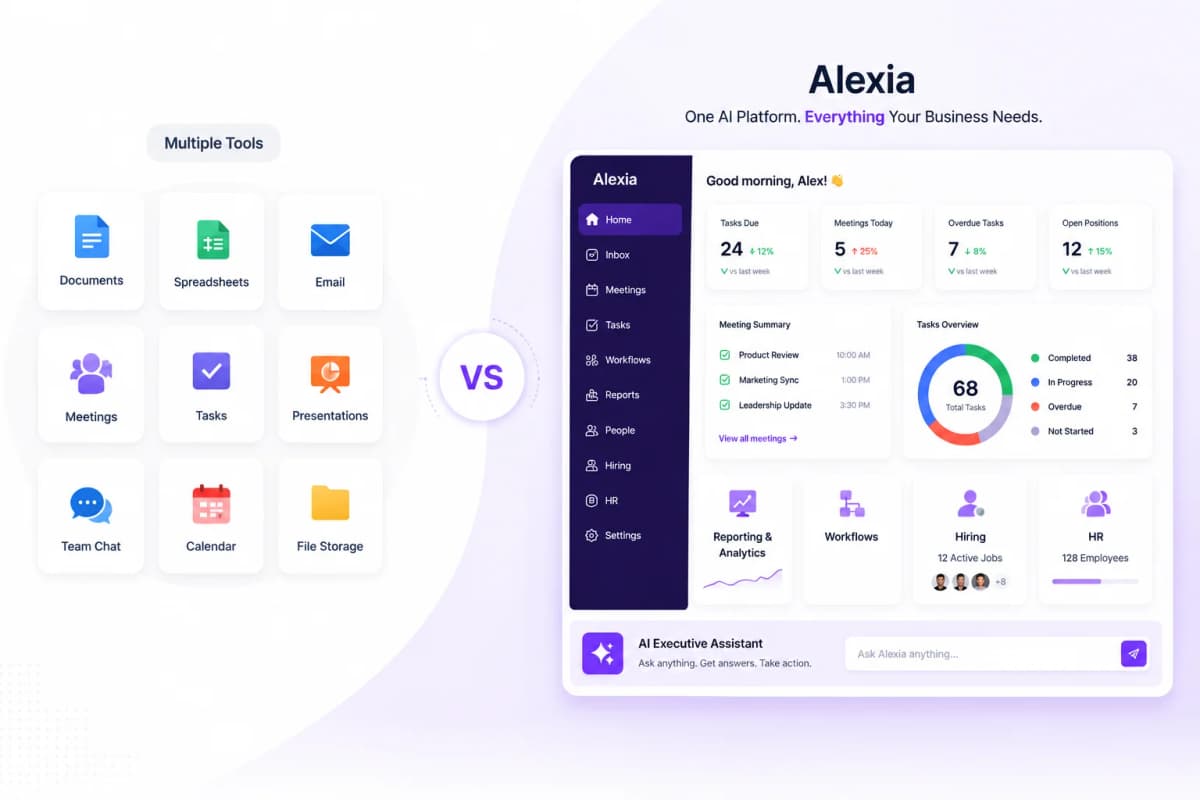
- Alexia.ai delivers superior cross-platform reporting with zero dashboard building required
The True Cost of 'Free' Looker Studio
Looker Studio is free to use. But free tools have hidden costs:
Time cost: Building a Looker Studio dashboard takes 2–8 hours depending on complexity. Multiply by the number of dashboards your team maintains.
Maintenance cost: Connectors break, data schemas change, reports need updating. This ongoing maintenance consumes hours every month.
Opportunity cost: Every hour spent building dashboards is an hour not spent on strategy, analysis, or execution.
Quality cost: Most Looker Studio dashboards display data without analysis or insight, leading to decisions based on incomplete understanding.
When you account for the labour cost of building and maintaining Looker Studio dashboards, the "free" tool often costs more than paid alternatives that do the work for you.
Where Looker Studio Falls Short
Limited connectors - Native connectors cover Google products well. Everything else requires paid third-party connectors that are unreliable.
No intelligence - Looker Studio displays data. It doesn't analyse it, identify trends, or provide recommendations.
Slow with large data - Dashboards become sluggish with large datasets, making real-time monitoring impractical.
No alerting - You have to check dashboards manually. No proactive notifications when metrics change.
Single-platform focus - Combining data from multiple platforms in a single view is clunky and unreliable.
Better Options for Business Reporting
Alexia.ai (Best alternative) - AI-powered reporting through conversation. Connects to 180+ platforms natively. Generates reports with analysis and insights in seconds. No dashboard building, no maintenance, no broken connectors.
Tableau (Best for analysts) - Powerful visualisation for teams with dedicated data analysts. Expensive and complex.
Power BI (Best for Microsoft shops) - Good BI tool if you're in the Microsoft ecosystem. Limited outside it.
Databox (Best for KPI displays) - Clean KPI dashboards with templates. Better than Looker Studio for monitoring but still no AI intelligence.
Stop reading about AI reporting. Start using it.
See how Alexia.ai automates the exact workflows covered in this article.
Why AI Reporting Is the Upgrade from Looker Studio
The jump from Looker Studio to AI reporting is like the jump from flip phones to smartphones. It's not a marginal improvement - it's a category change.
With Looker Studio, you build a static view of your data. With AI reporting, you have a conversation with your data. Any question, any time, with analysis included.
Alexia.ai doesn't just replace your Looker Studio dashboards - it makes them unnecessary. Instead of maintaining dashboards, you ask questions and get intelligent, contextual answers in seconds.
Making the Switch
You don't need to delete your Looker Studio dashboards immediately. Start by trying Alexia.ai for the reports you currently build in Looker Studio.
Connect the same data sources, ask the same questions, and compare: - Time to create the report - Quality of insights provided - Maintenance required - Accessibility for your team
Most teams find that Alexia.ai is superior on every dimension. The only thing you lose is the "free" pricing - and the hours of labour that come with it.

About the Author
Simon Jones
Co-Founder, Teamified
Simon Jones is the co-founder and CTO of Teamified, bringing decades of experience in technology, system architecture, and business transformation. He oversees the technical direction of Alexia.ai, ensuring the platform delivers enterprise-grade automation and intelligence.
Connect on LinkedInUpgrade from Looker Studio
Get started free and get AI-powered reports that make dashboards obsolete.