Key Takeaways
- Slack excels as a standalone messaging tool but requires 3-5 additional tools for a complete work platform.
- Alexia.ai Team Connect provides messaging, video, and collaboration built into your operating platform.
- Built-in communication eliminates the context switching that costs teams 2-3 hours of productive time daily.
- Companies using unified platforms report 40% higher team alignment compared to best-of-breed tool stacks.
Slack vs Team Connect: Different Philosophies
Slack pioneered modern workplace messaging and remains the gold standard for standalone team communication. Channels, threads, integrations, and a mature app ecosystem make it a powerful tool. But Slack is fundamentally a messaging platform - everything else requires integrations.
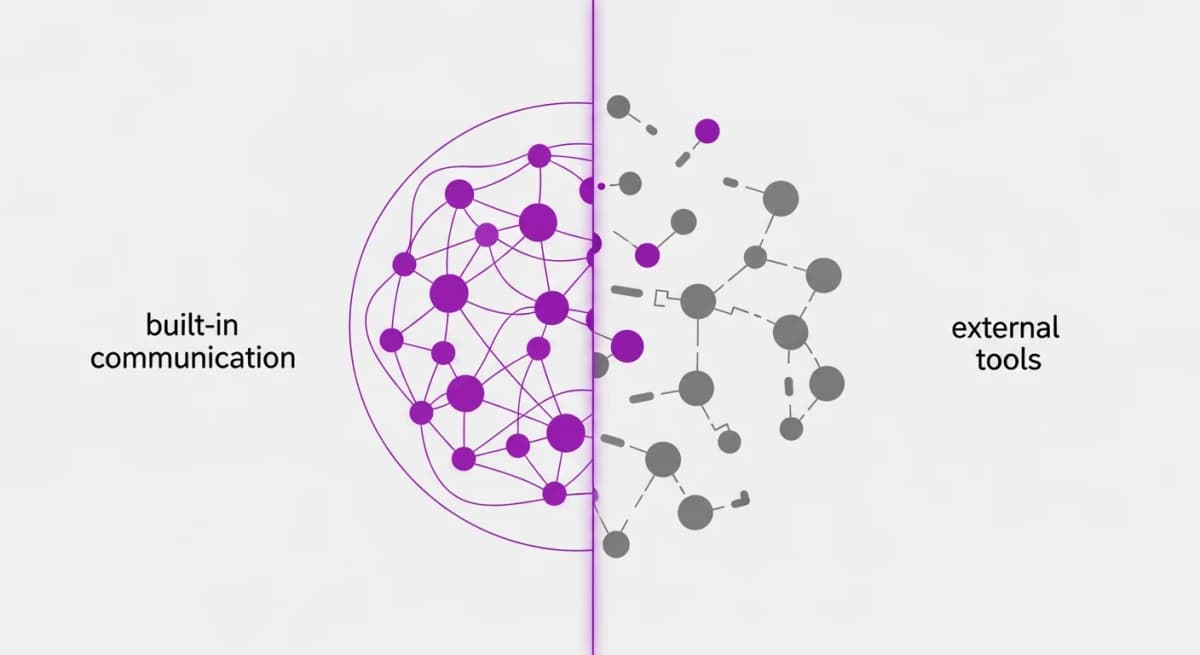
Alexia.ai Team Connect takes the opposite approach. Communication is built directly into the operating platform. Messages, video calls, and collaboration happen in the same environment as your HR data, recruitment pipeline, and business intelligence. No integrations needed.
Feature Comparison
Messaging: Both platforms offer channels, direct messages, threads, and file sharing. Slack's messaging feature set is more mature with a larger emoji library, advanced formatting, and Workflow Builder. Team Connect focuses on simplicity with essential messaging features that work seamlessly with business context.
Video: Slack's native video (Huddles) supports basic calls but most teams still use Zoom or Google Meet for formal meetings. Alexia.ai Team Connect includes full video conferencing built in - screen sharing, recording, and meeting notes without leaving the platform.
Business Context: This is where the comparison diverges entirely. Team Connect conversations are automatically connected to your HR data, goals, and operations. Slack requires integrations to bring in even basic context from other tools.
The Hidden Cost of Bolt-On Communication
Slack's pricing for business plans runs $8.75-$15 per user per month. Add Zoom ($13/user/month) and you're at $22-28 per user monthly just for communication - before any HR, recruitment, or project management tools.
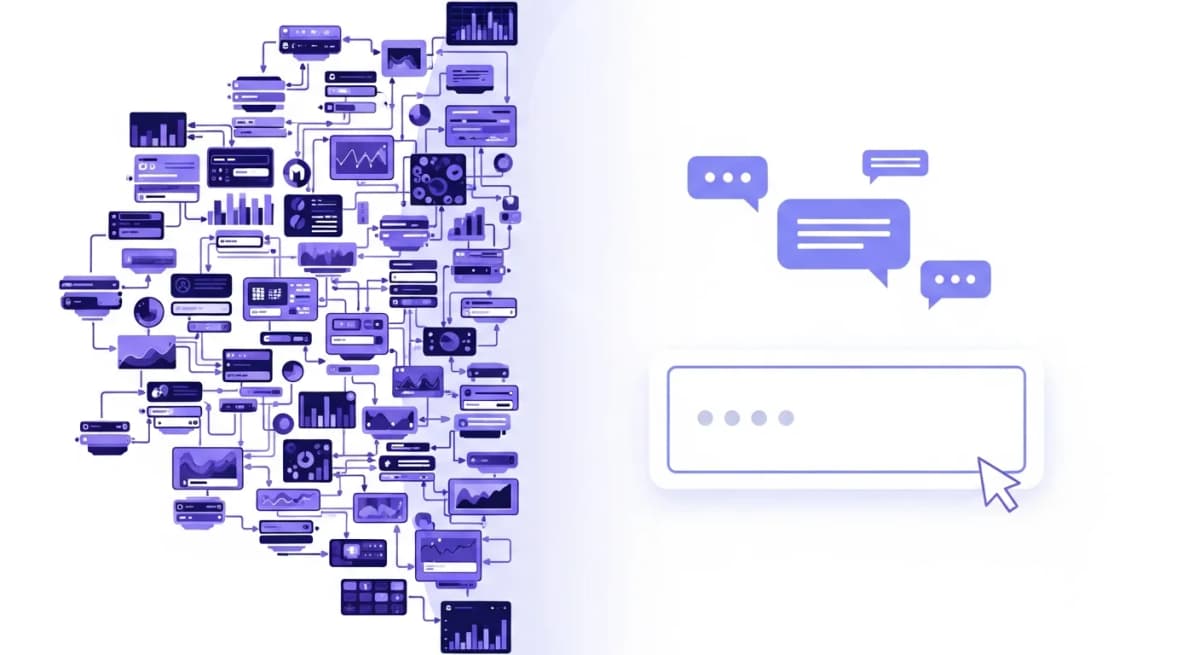
But the real cost isn't the subscription. It's the productivity tax of context switching. When a hiring manager gets a Slack message about a candidate, they switch to the ATS to review the profile, switch to email for the interview feedback, and switch back to Slack to respond. Each switch costs focus and time.
In Alexia.ai, that entire conversation happens with the candidate profile, interview notes, and hiring pipeline visible in the same workspace. Zero switches, zero lost context.
Stop reading about AI reporting. Start using it.
See how Alexia.ai automates the exact workflows covered in this article.
Integration Depth vs Native Unity
Slack's integration marketplace is impressive - 2,600+ apps and growing. But integrations are inherently limited. They sync data between disconnected systems with varying degrees of reliability, latency, and depth.
Integration maintenance is a real burden. When Slack changes its API, when your ATS updates its webhook format, when your HRIS modifies its data structure - someone on your team is responsible for fixing broken connections.
Alexia.ai's native approach eliminates this entire category of work. Because communication, HR, and recruitment share the same data layer, there's nothing to integrate, nothing to maintain, nothing to break. Updates to one part of the system automatically work with every other part.
When to Choose What
Choose Slack if your team is deeply invested in the Slack ecosystem with custom workflows, bots, and integrations that would be costly to replicate. If you're a developer-heavy team that values Slack's API and extensibility. If your organisation has already standardised on Slack across hundreds or thousands of users.
Choose Alexia.ai Team Connect if you want communication that's inherently connected to your business operations. If you're tired of paying for and maintaining multiple disconnected tools. If you value simplicity and having fewer vendors to manage.
For new companies and those re-evaluating their tech stack, the unified approach wins on cost, productivity, and simplicity. For enterprises locked into Slack, the switching cost may outweigh the benefits.

About the Author
Simon Lee
Co-Founder, Teamified
Simon has over 20 years of experience in technology, cloud architecture, and business transformation, with a strong focus on building scalable solutions and high-performing teams. As the Co-Founder of Teamified, Simon helps businesses expand their onshore operations quickly and cost-effectively by leveraging global talent. His expertise in fintech, SaaS, and IT infrastructure enables him to design outsourcing strategies that drive operational efficiency and business growth. Before Teamified, Simon co-founded Assembly Payments and held leadership roles across multiple technology-driven organisations. His deep knowledge of cloud computing, automation, and system architecture has positioned him as a trusted advisor to businesses seeking to optimise their workforce and technology stack.
Connect on LinkedInTry Alexia.ai Team Connect
Built-in messaging, video, and collaboration - no Slack subscription needed.